Aletheia User Manual
Aletheia is MCP-first knowledge management: one Postgres-backed corpus of everything you capture — notes, meeting transcripts, decisions, research — with the retrieval and reasoning surface exposed as tools any MCP client can call. The app documented here is a full client on top of that corpus: a note editor, hybrid search, and an agentic chat that answers with citations back to your own notes. Ask a question and you get a plain-English answer with pills linking to the exact notes it drew from.
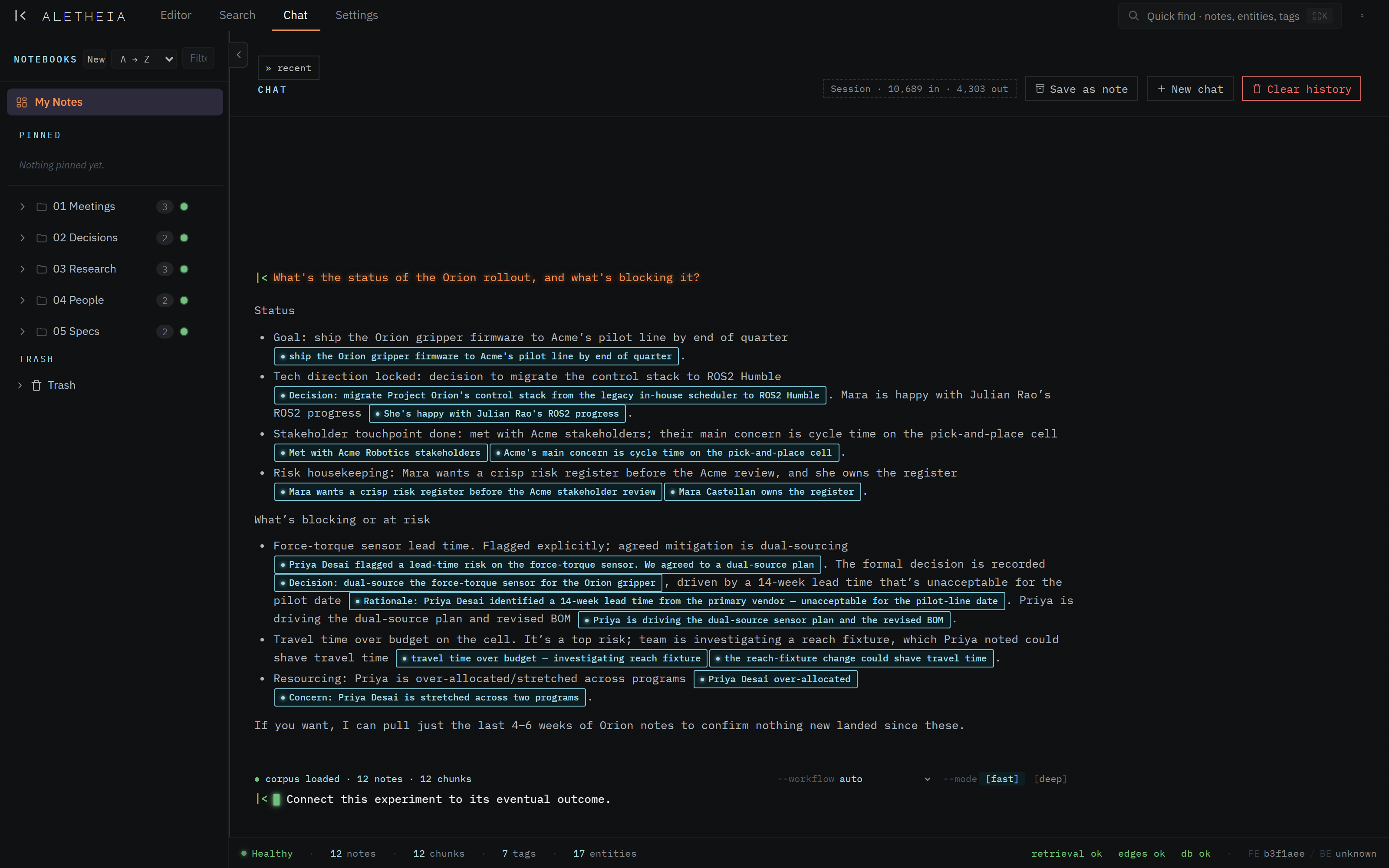

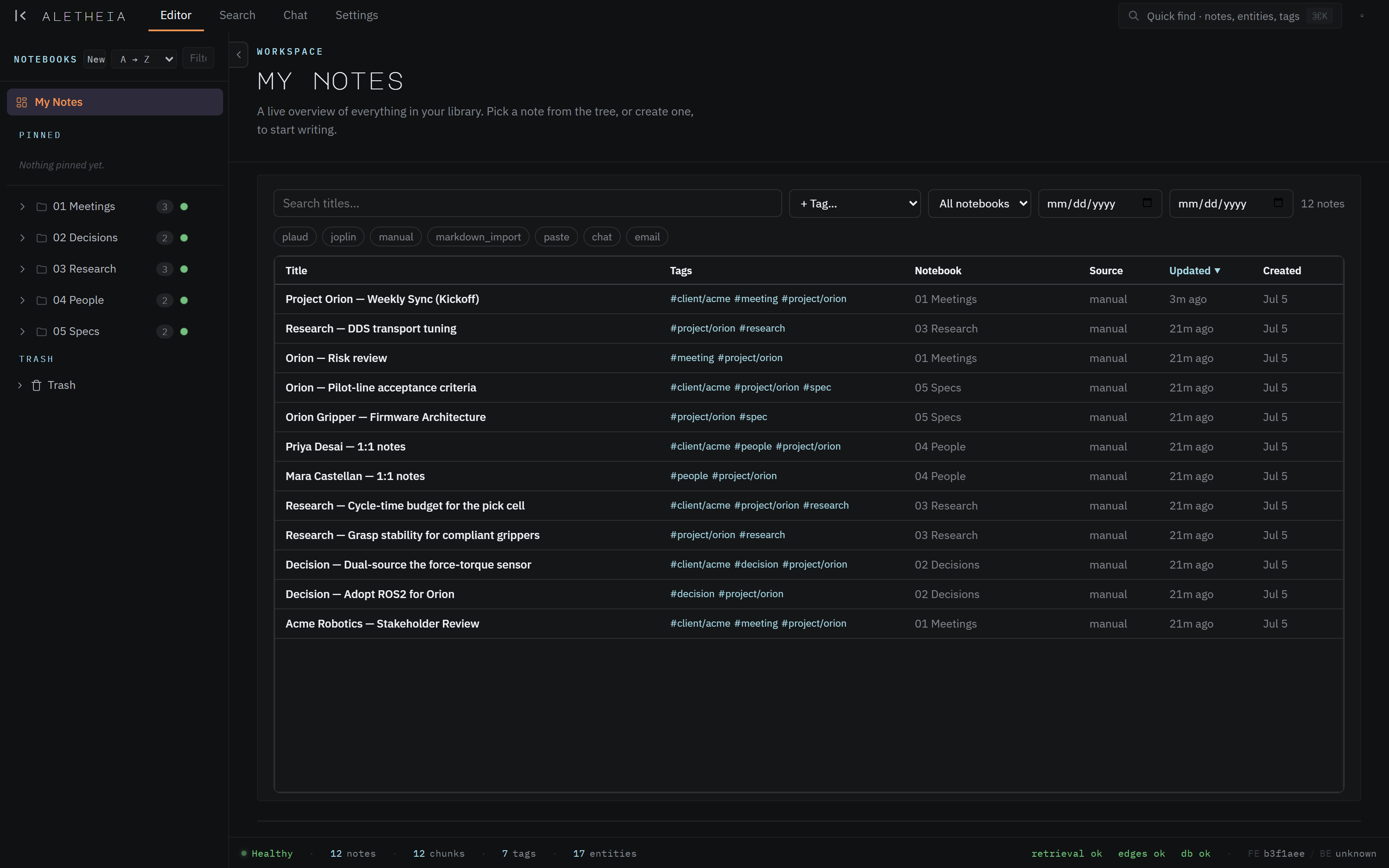
This manual documents the app function by function, with screenshots, best-use practices, and things to watch out for. Everything shown uses a fictional demo corpus — "Project Orion" at the fictional client "Acme Robotics" — so nothing here is real data.
How this manual is organized
-
Getting started — the one idea that makes everything click, the vocabulary, and a tour of the interface.
-
Writing & organizing — the editor, the metadata sidecar, notebooks, tags, links, and interactive diagrams.
-
Finding & reasoning — hybrid search, and chat that reads across your corpus and answers with sources.
-
Data & health — bringing data in (Joplin, markdown, email) and watching the extraction pipeline.
-
The MCP surface — what "MCP-first" means, connecting Claude Desktop / Code, and the full tool catalog.
-
Settings — themes, identity, the autorouter, accounts, and the desktop app.
New here? Read these three first
Welcome → Core concepts → The interface at a glance. Fifteen minutes, and the rest of the manual reads as reference rather than tutorial.
A note on scope
Aletheia is a private build in active development. This manual describes the app as it actually ships today — four surfaces (Editor · Search · Chat · Settings) over one corpus, plus the MCP tool surface your AI clients use. Where a capability is planned but not yet wired, it's called out explicitly rather than implied.