Best-practice workflows
Recipes that combine features into real work. Each is a pattern you can adopt wholesale or adapt.
The daily capture loop
Goal: never lose a thought; never spend time filing.
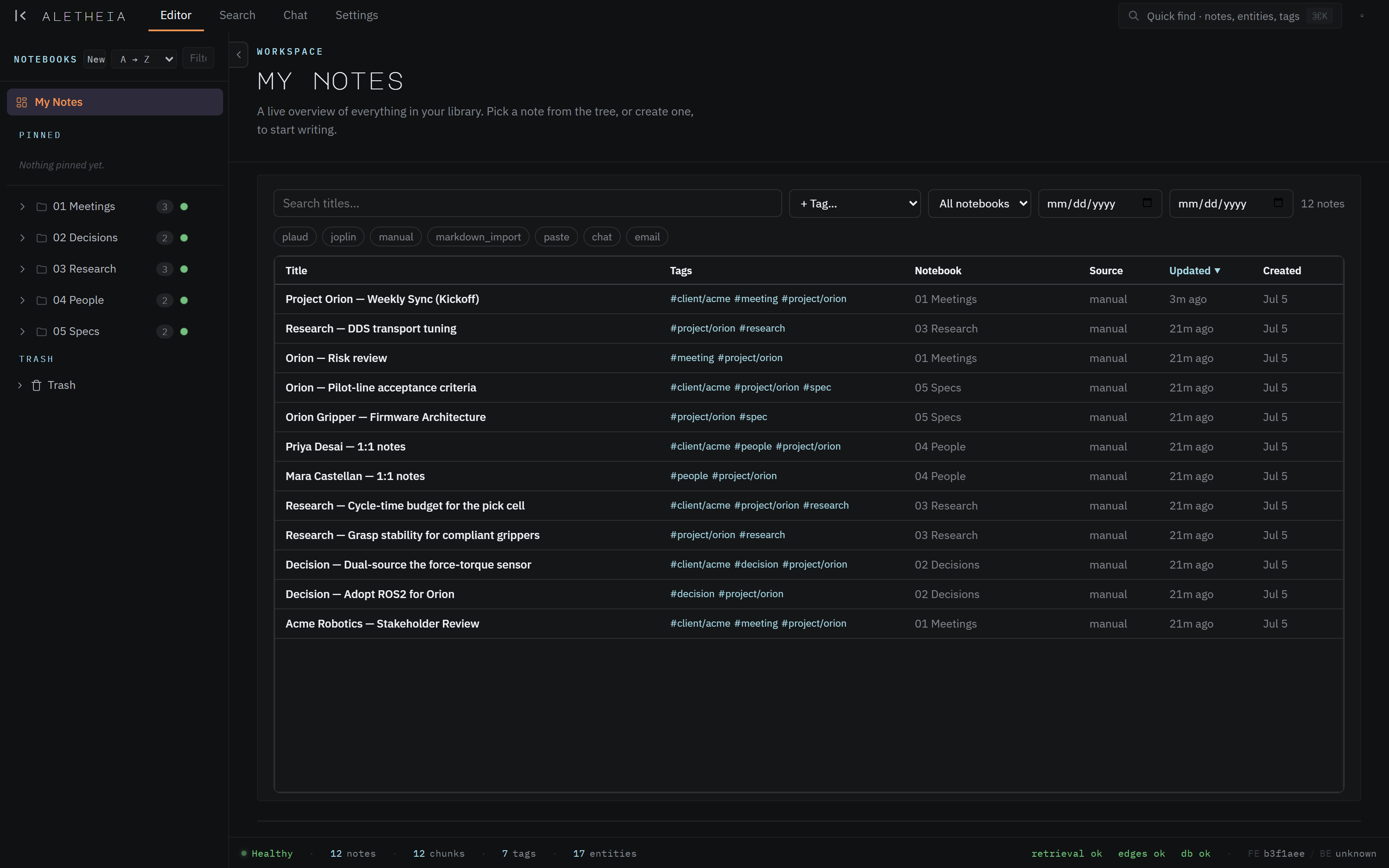
- Capture freely all day — type quick notes, forward emails to your Inbox address, drop in meeting notes.
- Let the autorouter file them; let extraction tag and link them.
- Once a day, open Chat and ask "What did I capture today, and what needs a decision?" — triage from the answer, not from a pile of unread notes.

The meeting → decision → action pipeline
Goal: meetings that produce durable, findable outcomes.
- During the meeting, write a note naming the people and the project in prose (that's what creates the entities and links).
- Record decisions explicitly ("Decision: …") — the pipeline recognizes them, and clear phrasing helps later retrieval.
- Write action items as natural sentences ("Priya to send the BOM by Friday"); confirm the important ones landed in the sidecar's Action Items, adding dates.
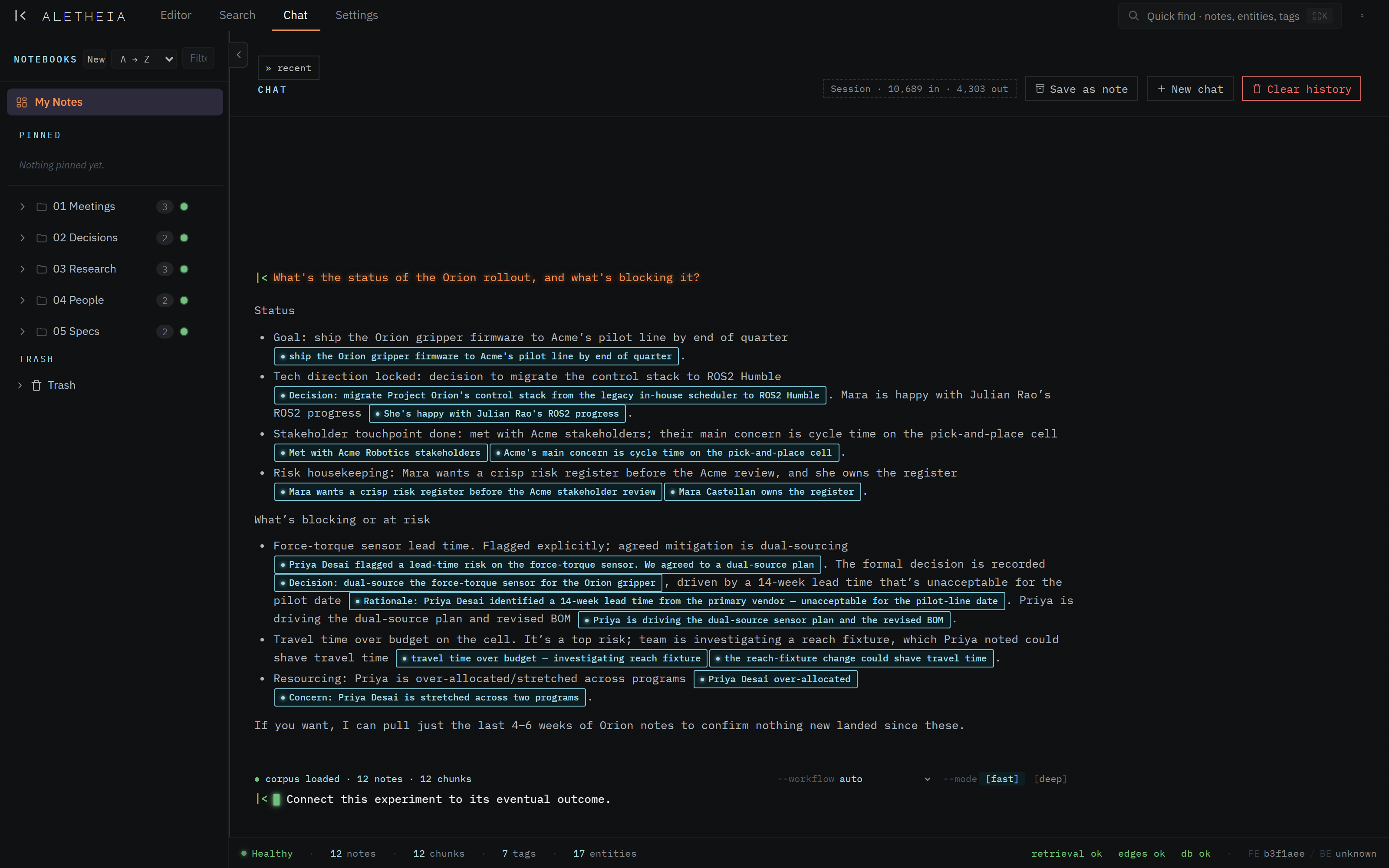
- Later, ask Chat "What did we decide about \<topic>, and why?" — you'll get the decision plus a citation to the meeting it came from.
The weekly review
Goal: a status you can trust, in five minutes.
- In Chat: "Summarize this week's decisions and open risks for \<project>."
- "What's on my plate?" — your owner identity makes this your items.
- Save the good synthesis as a note (Chat → Save as note) so the review itself becomes a durable, searchable artifact.
Research synthesis
Goal: turn scattered reading into one coherent view.
- Capture research notes as you go, tagging them (
#research/\<topic\>). - Ask Chat to
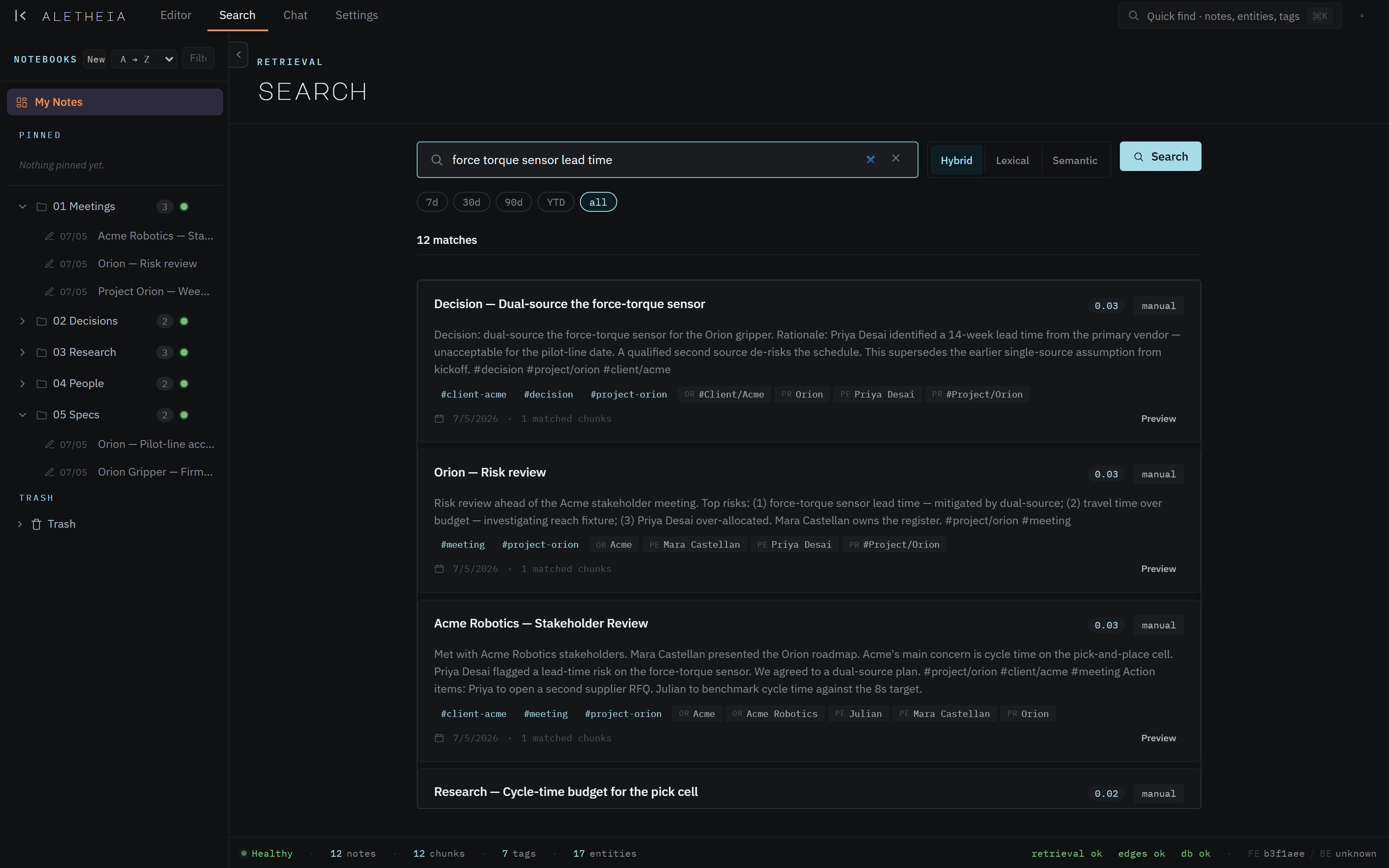
synthesize_topic— "Synthesize what I know about \<topic>." It reads across every relevant note and writes a cited summary. - Follow the citation pills to the sources to verify and go deeper.
Working through your assistant (MCP)
Goal: your AI has your context, always.
- Connect Claude Desktop / Code to your corpus.
- Start a work session with "Using my Aletheia notes, catch me up on \<project> and list open items."
- Have the assistant write back — draft a decision record or a summary and file it into your corpus with a note-creation tool. It's now part of your searchable knowledge base.
The meta-pattern
Capture in plain English → let extraction and the autorouter do the structuring → get it back by asking, not digging. Every workflow above is a variation on that loop. The discipline that pays off most is simply naming people and projects explicitly when you write — that single habit is what makes everything downstream connect.