Search
Search is how you get a specific note (or passage) back. Aletheia offers three retrieval modes in one box, so you can match on words, on meaning, or on both at once.
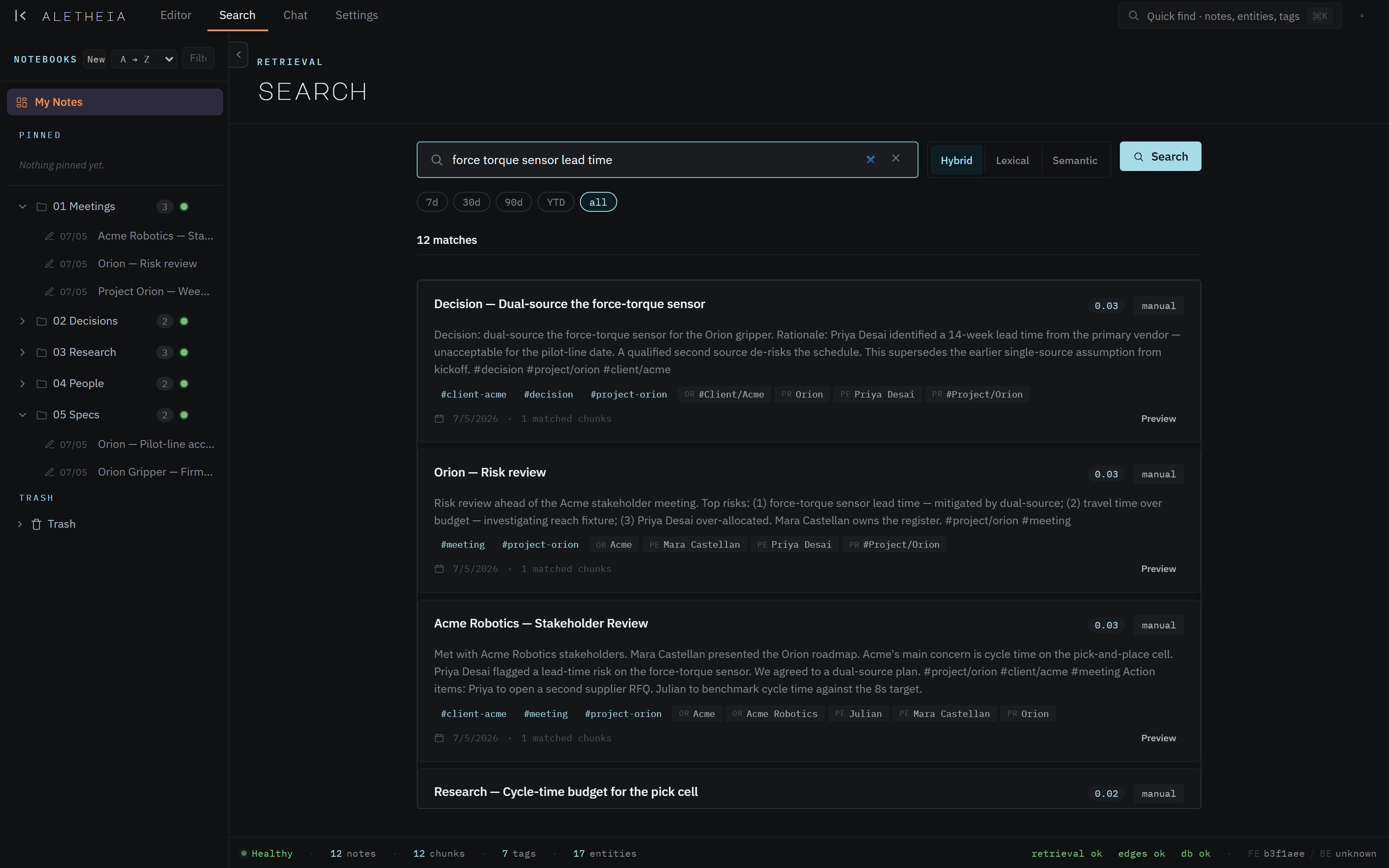
The three modes
The Hybrid / Lexical / Semantic toggle picks how matching works:
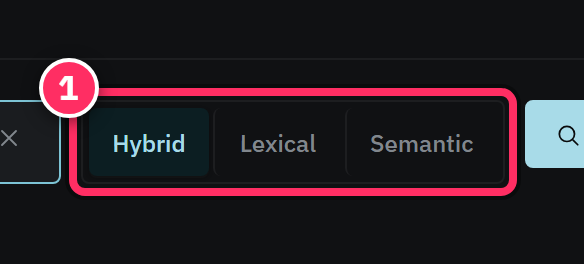
| Mode | Matches on | Best for |
|---|---|---|
| Hybrid (default) | Both keywords and meaning, fused | Almost everything — start here |
| Lexical | Exact keywords (BM25) | Names, IDs, exact phrases you remember |
| Semantic | Meaning (embeddings) | "That note about supply-chain risk" when you don't recall the words |
Hybrid is the default because it's the most forgiving: it finds the note whether you remember the exact wording or only the gist. Drop to Lexical when you know the precise term (a part number, a person's name) and to Semantic when you only remember the idea.
Reading a result
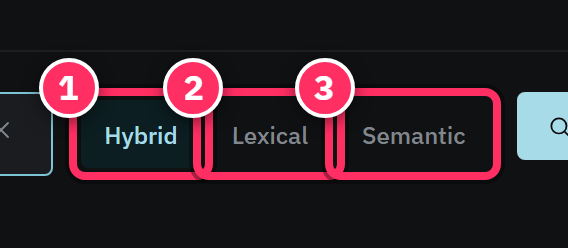
Each result card shows:
- The note title and a snippet with your query terms highlighted.
- Tag chips and entity chips for the note — click to pivot the search.
- The note's date, source, a relevance score, and how many chunks matched.
- A Preview action to peek at the note without leaving your results.
Click a card to open the note; click Preview to read it in place and keep your result list.


Filtering
Above the results, narrow the set without retyping:
- Date — quick ranges (
7d,30d,90d,YTD) orall. - Notebooks, tags, entities, and sources filters scope the search.
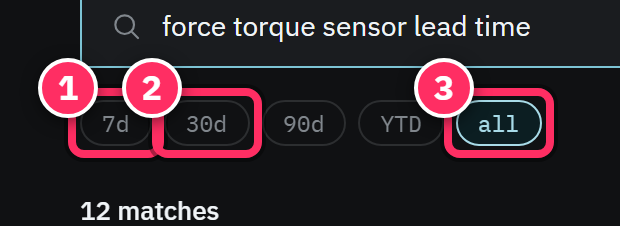
Filters compose with the query, so "everything tagged #decision from the last 30 days that
mentions Acme" is a couple of clicks.
Search everywhere: Quick find
For a fast jump to a known note — rather than a considered search — use Quick find
(⌘K / Ctrl+K) from anywhere. It searches notes, entities, and tags together and is the right
tool when you know what you want and just need to get there. The Search surface is for
exploring results; Quick find is for jumping. See
Keyboard shortcuts.
When search fails, switch modes before you give up
No results on a phrase you're sure exists? Flip Lexical → Semantic (or vice-versa). Exact recall and meaning-recall fail on opposite things, and Hybrid occasionally splits the difference in a way that buries what you want. One mode almost always surfaces it.
Semantic search depends on extraction
Semantic and hybrid matching ride on chunk embeddings produced by extraction. A note you wrote seconds ago may not be semantically searchable until its chunks finish embedding (watch the status-bar chunk count). Lexical search finds it immediately.
Next: Chat with your corpus →