Glossary
Every term used in this manual, in one line.
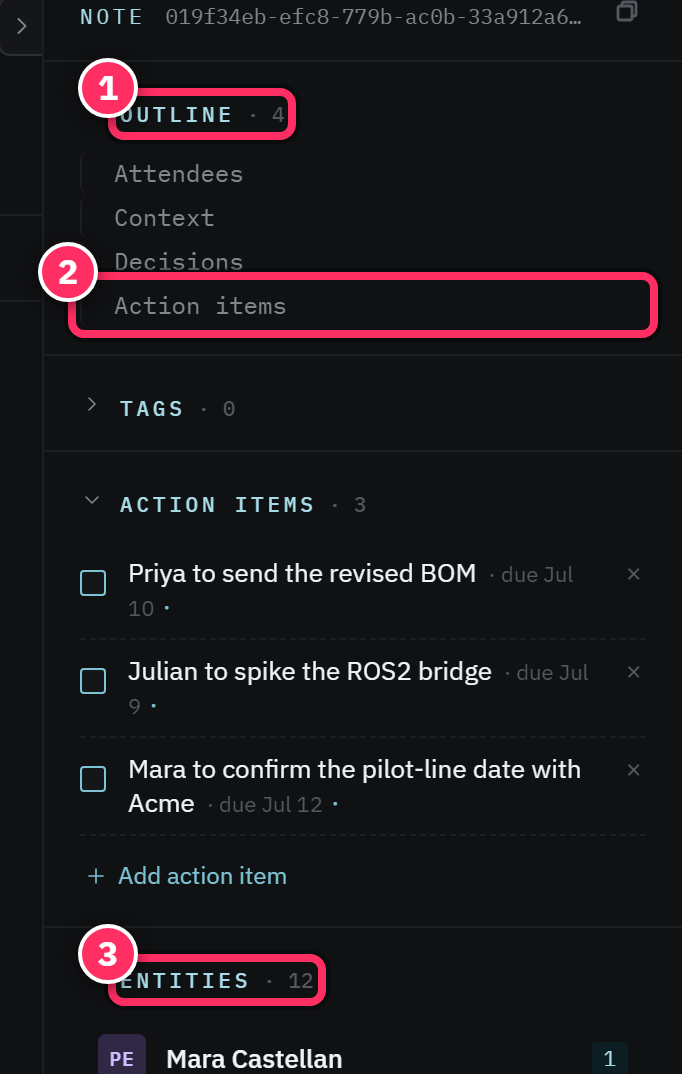
- Action item
- A to-do extracted from a note or added by hand, with an optional due date, assignee, and status. See the sidecar.
- Autorouter
- The rules-driven system that files newly captured notes into the right notebook automatically. See Identity & autorouter.
- Backlink
- An incoming link — another note that links to this one. Shown automatically in the sidecar.
- Chunk
- A passage-sized piece of a note. Each chunk gets an embedding; chunks power semantic search. See Core concepts.
- Citation pill
- A clickable chip that grounds a claim (in chat) or links a note (in the editor) to a source passage.
- Corpus
- The single database holding everything you've captured. See Core concepts.
- Edge
- A connection between two notes —
references,supersedes,contradicts, or an inferred similarity/shared-entity relationship. See Links & backlinks. - Embedding
- A numeric fingerprint of a chunk's meaning, used for semantic and hybrid search.
- Entity
- A person, organization, project, location, or date that your notes mention — extracted automatically and recognized across notes. See Tags & entities.
- Extraction
- The background pipeline that turns raw note text into chunks, embeddings, entities, tags, and action items. See Extraction & pool health.
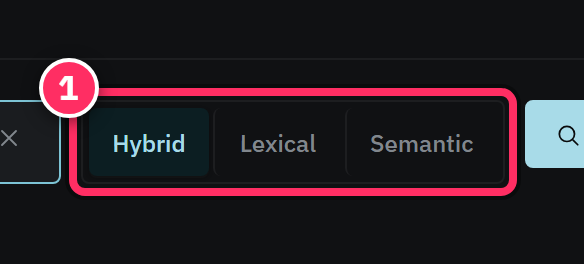
- Hybrid search
- Search that fuses keyword and semantic matching — the default mode. See Search.
- Inbox
- A special notebook that receives email-to-inbox captures. See Notebooks, Inbox & Trash.
- Lexical search
- Exact-keyword (BM25) search. See Search.
- MCP (Model Context Protocol)
- The open standard that lets AI clients discover and call Aletheia's tools. See What MCP-first means.
- Note
- The atomic unit — a title plus a Markdown body. See Core concepts.
- Notebook
- A folder in the left-hand tree; organizes the corpus for you. Retrieval doesn't depend on it. See Notebooks, Inbox & Trash.
- Owner entity
- The person record that represents you, so "me"-scoped features work. Set in Settings → Identity.
- Quick find
- The Cmd+K command palette — jump to any note, entity, tag, or command. See Keyboard shortcuts.
- Reprocess
- Re-run extraction on a note on demand (rarely needed; it runs automatically).
- Revision
- A saved version of a note. Every save is versioned and restorable. See History & attachments.
- Semantic search
- Meaning-based (embedding) search. See Search.
- Source
- Where a note came from —
manual,joplin,email,chat. Recorded on every note. - Tag
- A hierarchical hashtag (
#project/orion). Auto-extracted or added by you. See Tags & entities. - Trash
- Where soft-deleted notes live, restorable. See Notebooks, Inbox & Trash.
- Workspace
- An account's private, isolated corpus. See Accounts.

That's the vocabulary. If a term here is still fuzzy, its linked chapter has the full story. Back to the Home page.