Links & backlinks
Notes in Aletheia connect to each other, and those connections are navigable in both directions. Some links you make; most Aletheia infers.
Wiki-links & citation pills
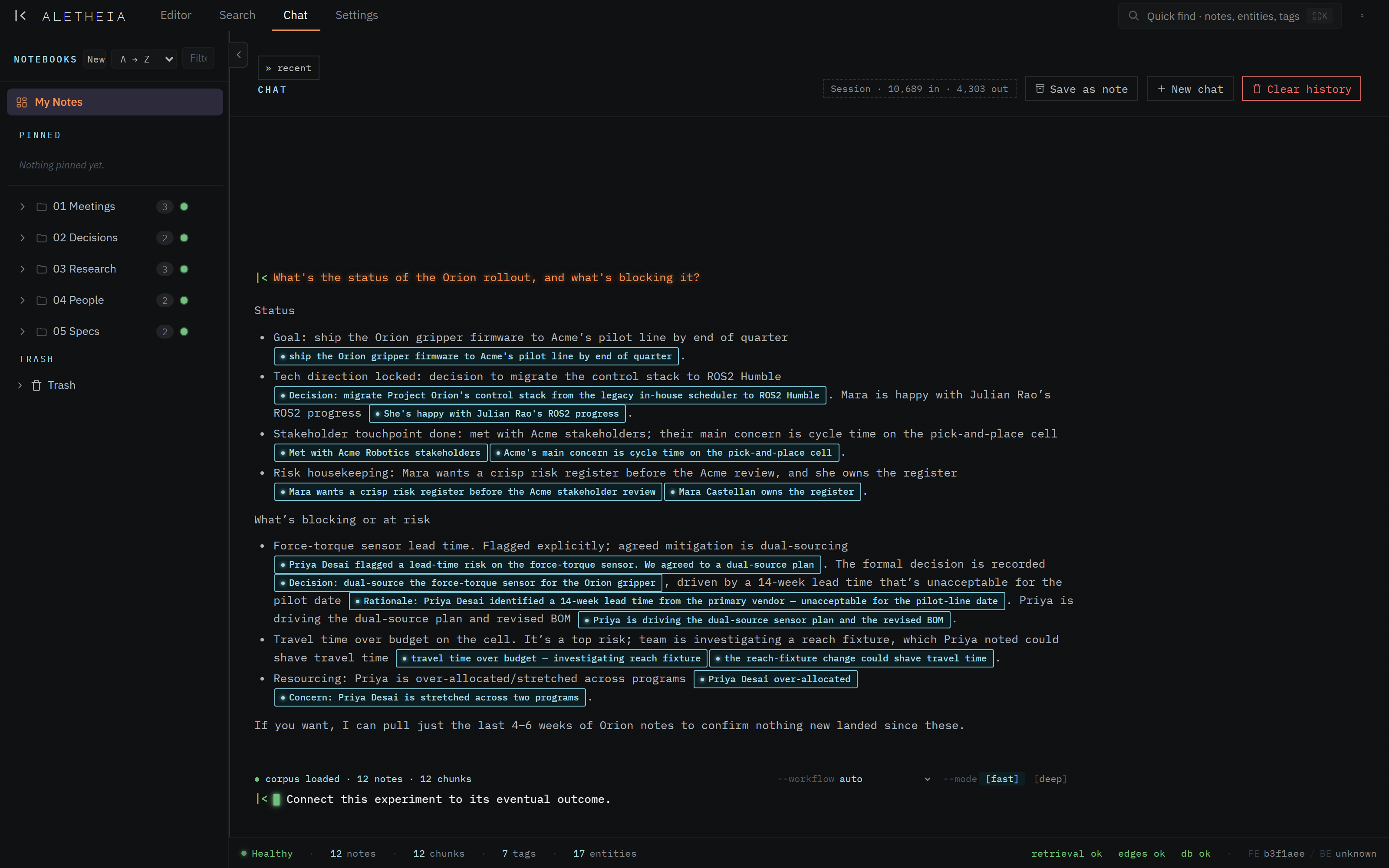
You can link one note to another with a note-link. The rendered form is a citation pill — a small chip showing the target note's title. Clicking it opens that note and, when the link carries a quoted passage, scrolls to and briefly highlights the exact quote.
Citation pills are the same mechanism chat uses to ground its answers: every claim chat makes is backed by a pill linking to the source note. So the "click a claim, land on the evidence" behavior you see in chat is the same behavior your own note-links get.
Backlinks
You don't have to link both ways. When note A links to note B, note B automatically shows a backlink to note A in its sidecar. Open any note and its Backlinks section tells you what else refers here — the incoming half of its neighborhood.
Inferred connections
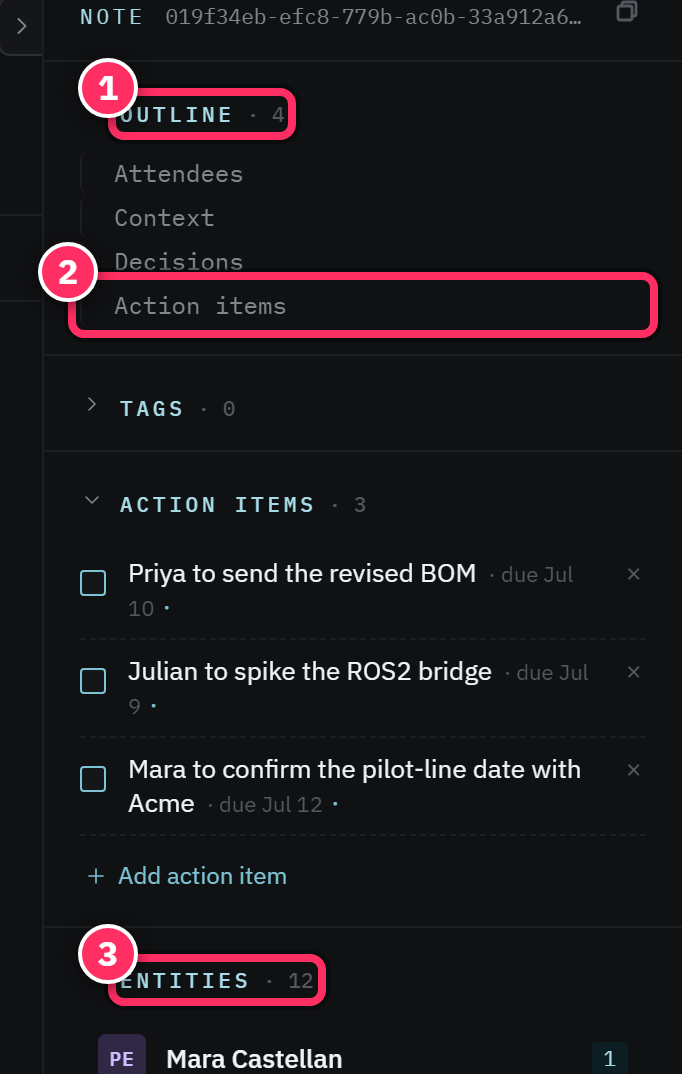
Beyond explicit links, Aletheia derives edges between notes:
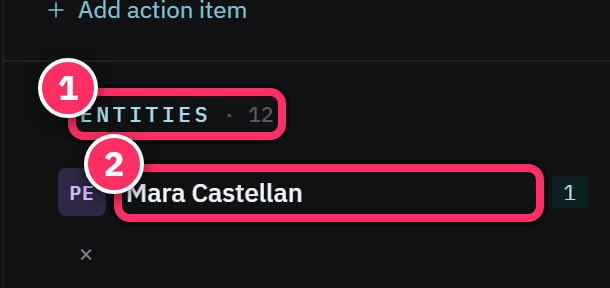
- Shared entities — two notes that name the same person or project are related.
- Shared tags — notes on the same topic.
- Semantic similarity — notes whose meaning is close, even with different words.
- Materialized relations — the pipeline can infer
references,supersedes, andcontradictsrelationships (e.g. a decision that supersedes an earlier one).
These are what let chat trace connections between things you never manually linked — "connect this person to that decision" works because the edges are already there.
Navigating the neighborhood
The sidecar's Backlinks and linked-notes rows are your in-editor graph: click through to hop from a note to its neighbors and back. Combined with entity chips (jump to a person, then to their notes), you can walk your corpus by relationship rather than by folder.
Let links form themselves
You rarely need to hand-author links. Name the same people and projects consistently across notes, and the shared-entity and similarity edges connect everything for you. Reserve explicit note-links for when you want a specific pointer ("see the decision record") that should survive even if the wording drifts.
Next: Interactive diagrams →