What MCP-first means
Aletheia's defining architectural choice: the retrieval and reasoning surface your AI uses is the same one the app uses. It's not an app with an API bolted on — it's a corpus with a tool surface, and the app is one client of that surface among others (including your AI assistant).
MCP in one paragraph
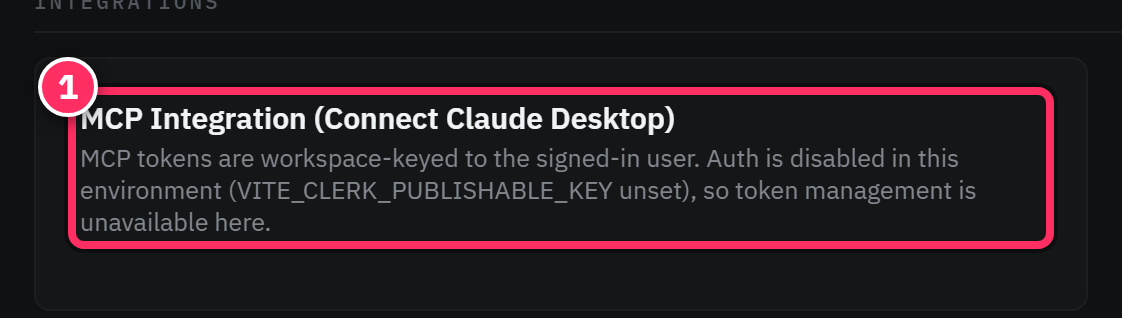
The Model Context Protocol (MCP) is an open standard for connecting AI assistants to tools and data. An MCP server exposes a set of tools; an MCP client (Claude Desktop, Claude Code, and others) can discover and call them. Aletheia ships an MCP server over your corpus, so any MCP client can read and write your knowledge base directly.
Why "first" matters to you
Because the app and your assistant share one tool surface, three things follow:
- No context re-explaining. Your assistant doesn't need you to paste in background every
session — it can retrieve it. Ask Claude a question and it can call
search_hybridover your notes, exactly as the app's search box does. - Read and write. MCP clients can create and edit notes, not just read them. Have Claude draft a decision record from a conversation and file it into your corpus.
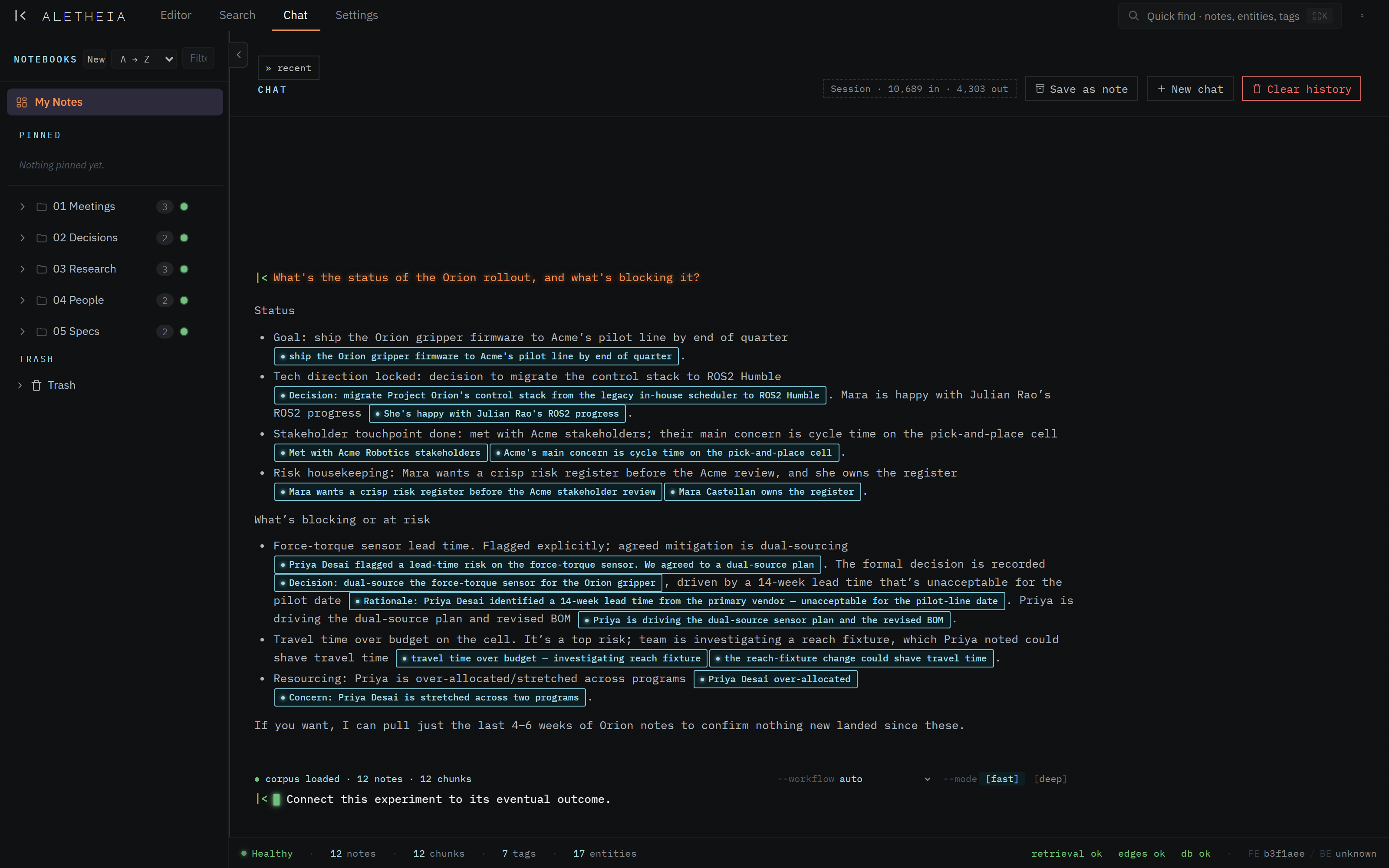
- Parity, not a subset. There's no "the app can do X but the API can't." The chat surface is itself built on these tools; anything it can do, your own client can do.
What the app is, in this picture
The four surfaces you use — Editor, Search, Chat, Settings — are a human-friendly client over the corpus. The tool catalog is the same corpus for machine clients. You can work entirely in the app, entirely through your assistant, or fluidly across both — they're looking at one source of truth.

The shape of the tool surface
Aletheia exposes a broad set of tools, grouped by what they do:
- Retrieval — hybrid / lexical / semantic / chunk search.
- Workflows — higher-level compositions: synthesize a topic, build a timeline, trace connections, find contradictions, "what's on my plate".
- Note access — fetch notes, chunks, titles, notebooks.
- Graph — linked notes, backlinks, neighborhoods, path-finding.
- Tags & entities — list, look up, co-occurrences, timelines.
- Writes — create / append / update / delete / restore notes, manage tags and action items.
- Diagrams, attachments, revisions — the richer content operations.
The full, categorized list is the tool catalog.
The same corpus, different doors
Everything in this manual — a note you type, a chat answer, a tool call from Claude Code — reads and writes the one Postgres corpus. MCP-first is what makes that true rather than aspirational.
Next: Connecting a client →