Sources & ingestion
You don't have to type everything into Aletheia. Settings → Sources is where you connect external note stores and bulk-import existing material. Everything that comes in flows through the same extraction pipeline, so imported notes get the same entities, tags, and searchability as ones you write by hand.
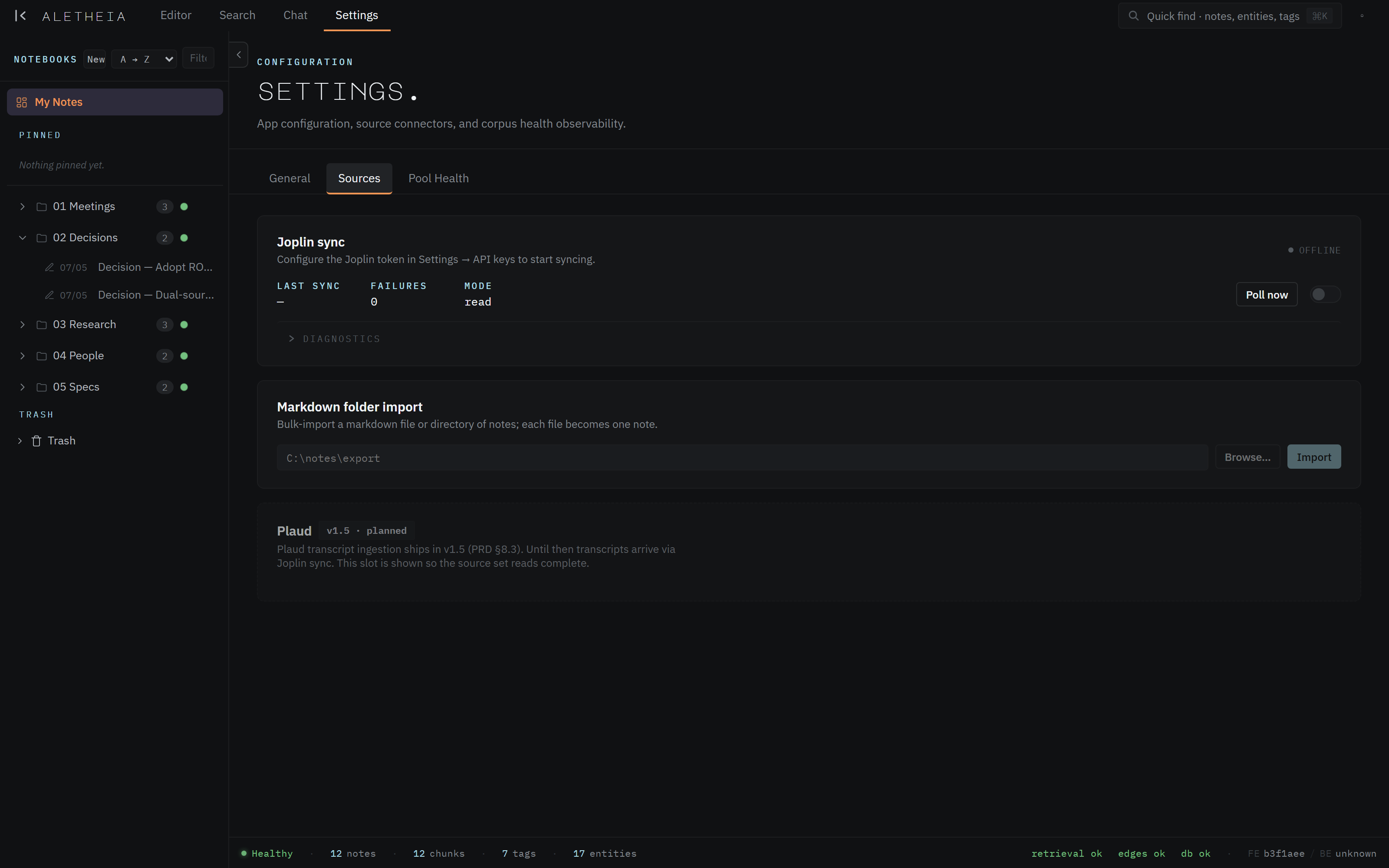
Joplin sync
If you keep notes in Joplin, Aletheia can sync them in. Paste your Joplin API token (from Joplin's Web Clipper settings) into Settings → API keys, and the connector pulls your Joplin notes into the corpus.
The panel shows last sync, failure count, and the mode:
read— Aletheia mirrors Joplin one-way (Joplin stays the source of truth).- A write-back mode can push your Aletheia edits back to Joplin.
Poll now triggers an immediate sync; the toggle enables/disables background syncing. Diagnostics expands per-run detail when you need to troubleshoot.

Markdown folder import
Point Aletheia at a file or folder of Markdown and each .md file becomes a note. Enter or
Browse… to a path, then Import. This is the fastest way to bring in an existing
Markdown-based system (Obsidian, a docs folder, exported notes).

You can also drag a .md file directly onto the editor to import a single note without
visiting this panel.
Email-to-inbox
Aletheia gives you an inbox email address. Anything you send or forward to it lands in your Inbox notebook as a note — a friction-free way to capture from your mail client or forward a thread you want to keep. Configure the address in Settings; triage from Inbox into real notebooks (or let the autorouter file it).
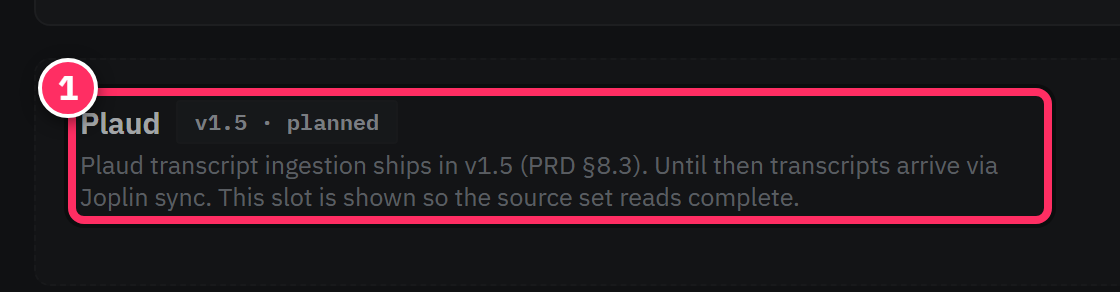
Plaud (planned)
A dedicated Plaud transcript connector is planned for v1.5. Until it ships, Plaud transcripts can arrive via Joplin sync. The slot appears in the Sources tab so the source set reads complete.
Import once, enrich forever
The value of importing isn't just having your old notes in a new app — it's that they join the same searchable, chattable corpus as everything new. After a bulk import, give extraction time to work through the backlog, then try a chat question that spans old and new notes.
Large imports run through extraction
Importing hundreds of notes queues hundreds of extraction jobs (chunking, embedding, entity extraction). That's normal, but the corpus won't be fully searchable-by-meaning until the queue drains — watch it on Pool Health.