Identity & autorouter
Two settings that make Aletheia work for you specifically: telling it who you are, and letting it file new notes on your behalf.
Identity — who "you" are
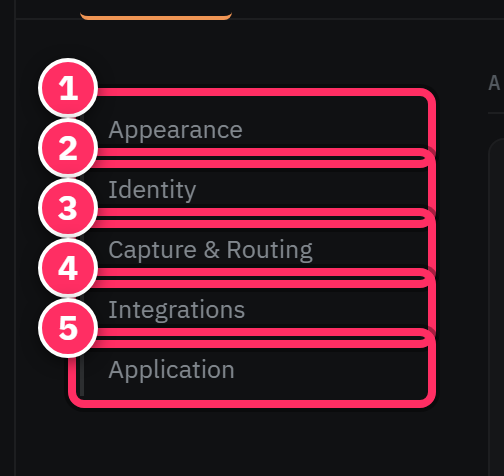
Under Settings → General → Identity you set your owner display name and pin your owner entity — the person record that represents you in the corpus.
This matters more than it sounds. Once Aletheia knows which entity is you:
- "What's on my plate" and
get_action_items(assignee="me")resolve "me" to your entity, so you get your to-dos, not everyone's. - Chat can reason about "my" meetings and decisions correctly.
- Action items assigned to you are attributed properly.
Set this early
On a cold corpus, features that key on "me" return a not configured result until you've pinned your owner entity. It's a one-time, thirty-second setup that unlocks the personalized views.
The autorouter — automatic filing
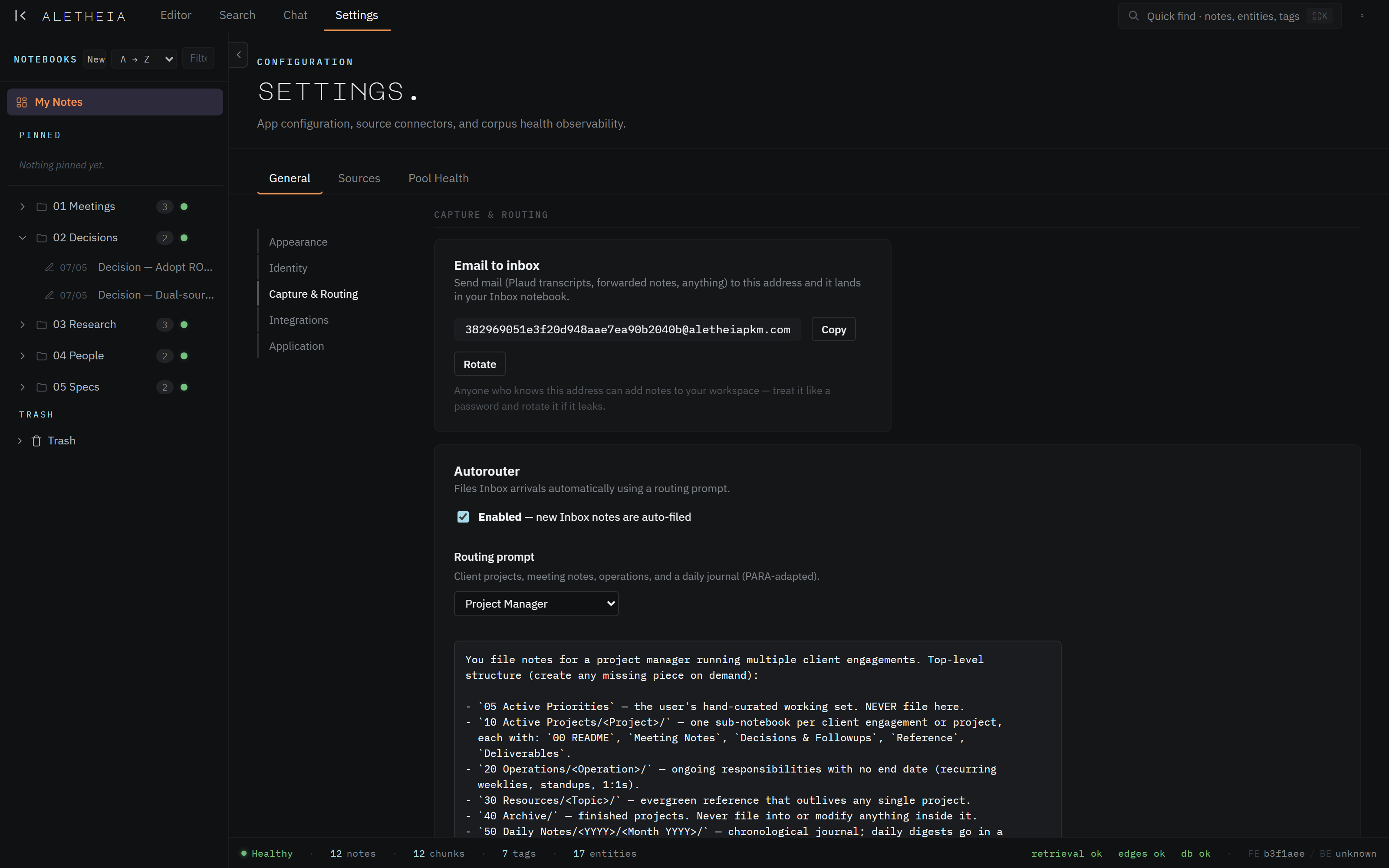
Under Settings → General → Capture & Routing lives the autorouter: a rules-driven system that files newly captured notes into the right notebook automatically, so your Inbox doesn't pile up and your structure stays tidy without manual sorting.
How it works
The autorouter is driven by a description of your filing scheme — the structure you want and the rules for where things go (e.g. "one sub-notebook per client engagement; a decisions folder; never file into the archive"). New captures are routed according to those rules, and recent routing activity shows you what it did so nothing is a black box.
You can Duplicate & customize the default scheme to match how you actually organize — adjusting the notebook structure and the routing rules to your work.
Why it's worth turning on
Capture is only valuable if it's organized. The autorouter removes the tax of manual filing: you (or an email-to-inbox capture) drop a note in, and it lands where it belongs. Combined with a shallow notebook tree and good tags, it keeps a fast-growing corpus navigable.

Trust, but verify — at first
When you first enable or customize the autorouter, glance at recent routing activity for a few days to confirm it's filing the way you expect. Tune the rules once, and then it fades into the background doing its job.