Chat with your corpus
Chat is the flagship. Ask a real question in plain English and Aletheia reads across everything you've captured, then answers — with links to the exact notes it used. It's the difference between search (which hands you documents) and chat (which hands you the answer, and shows its work).
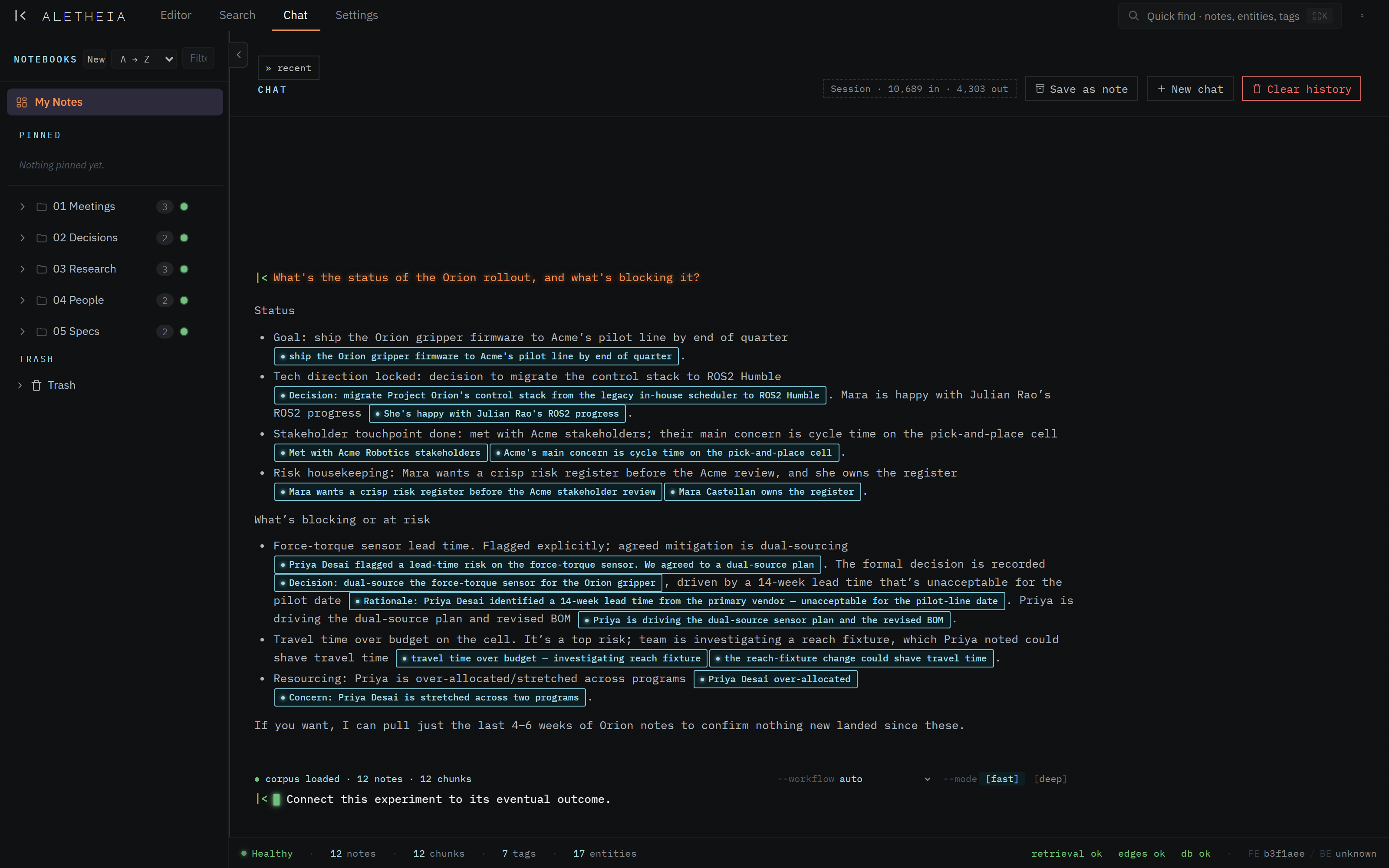
Asking a question
Type into the composer at the bottom and press Enter. The starting screen suggests a few
prompts to show the shape of what works:
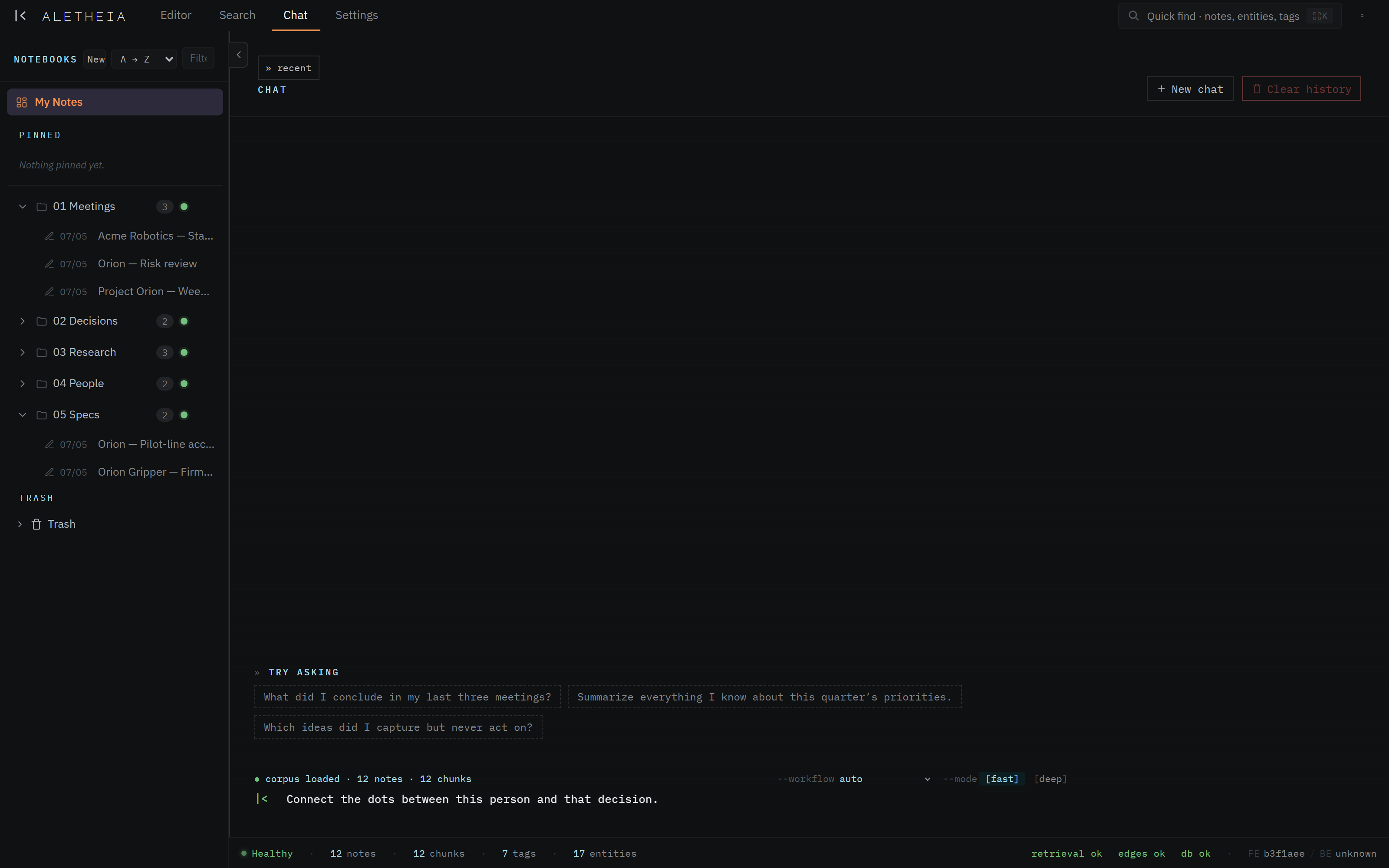

Good questions are the ones a filing cabinet can't answer:
- "What's the status of the Orion rollout, and what's blocking it?"
- "What did we decide about the force-torque sensor, and why?"
- "Show me everything tied to Acme Robotics."
- "What's on my plate this week?"
Grounded answers with citations
The defining feature: every claim is cited. In the answer above, each bullet carries a boxed citation pill quoting the source passage. Click one and it opens that note, scrolled to the exact quote. This is what makes chat trustworthy — you're never taking its word for it; the evidence is one click away.
And if the answer genuinely isn't in your notes, chat tells you rather than inventing one. It reasons over your corpus, not the open web.
Watching it think
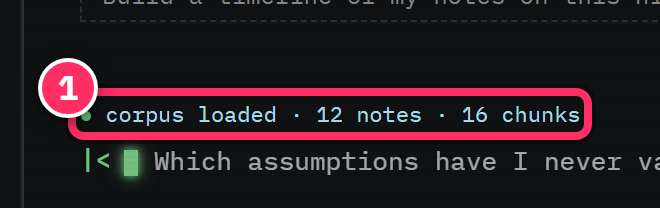
While it works, chat streams its progress: a thinking trace shows the searches and tools it's running as it researches, then it composes the answer and streams the text in. You can follow the reasoning or just wait for the result. Under the hood it runs a research → write → format pipeline — the same retrieval tools available over MCP.
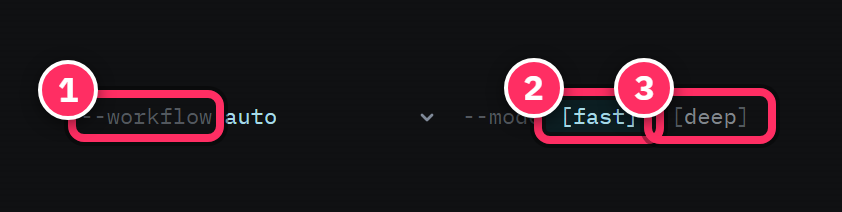
Composer controls
- Workflow —
autolets chat pick the right approach; you can also steer it toward a specific workflow (synthesize a topic, build a timeline, trace connections, find contradictions). - Mode —
fastfor quick answers,deepfor more thorough research on harder questions. - Scope — you can scope a conversation to a notebook or a time range.
Sessions & saving
- Past conversations live in the session list; each is titled from its first question and can be renamed.
- Save as note promotes a whole conversation into your corpus as a
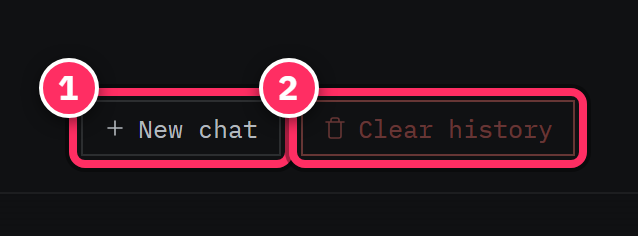
chat-sourced note — so a good synthesis becomes a durable, searchable, citable artifact. - New chat starts fresh; Clear history wipes conversations.
Ask for synthesis, not just lookup
Chat earns its keep on questions that require reading across many notes — "summarize this quarter's decisions", "connect this person to that outcome", "what changed since the last review". For a single known fact, search or Quick find is faster.
Chat answers only from your corpus
That's a feature, not a limitation: chat won't pad an answer with general knowledge, and it tells you when your notes don't cover something. If an answer seems thin, the fix is usually to capture the missing note — then ask again.
Next: Sources & ingestion →