The metadata sidecar
The right-hand rail in the editor is the metadata sidecar — a live, collapsible readout of everything Aletheia knows about the open note. It's where extraction's output becomes visible and clickable. You can hide it with the chevron to give the body more room.
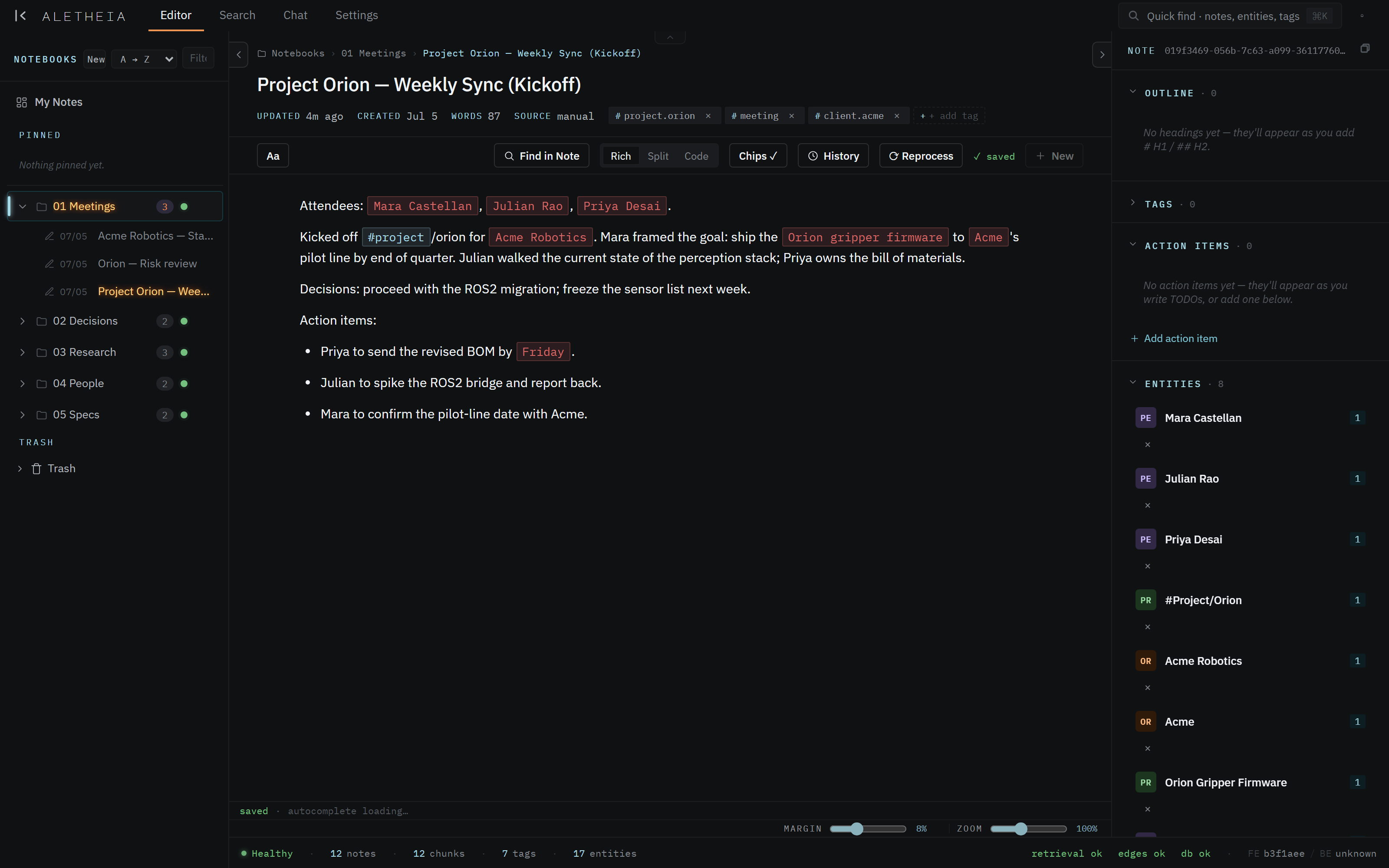
Each section is collapsible; here's what they hold, top to bottom.
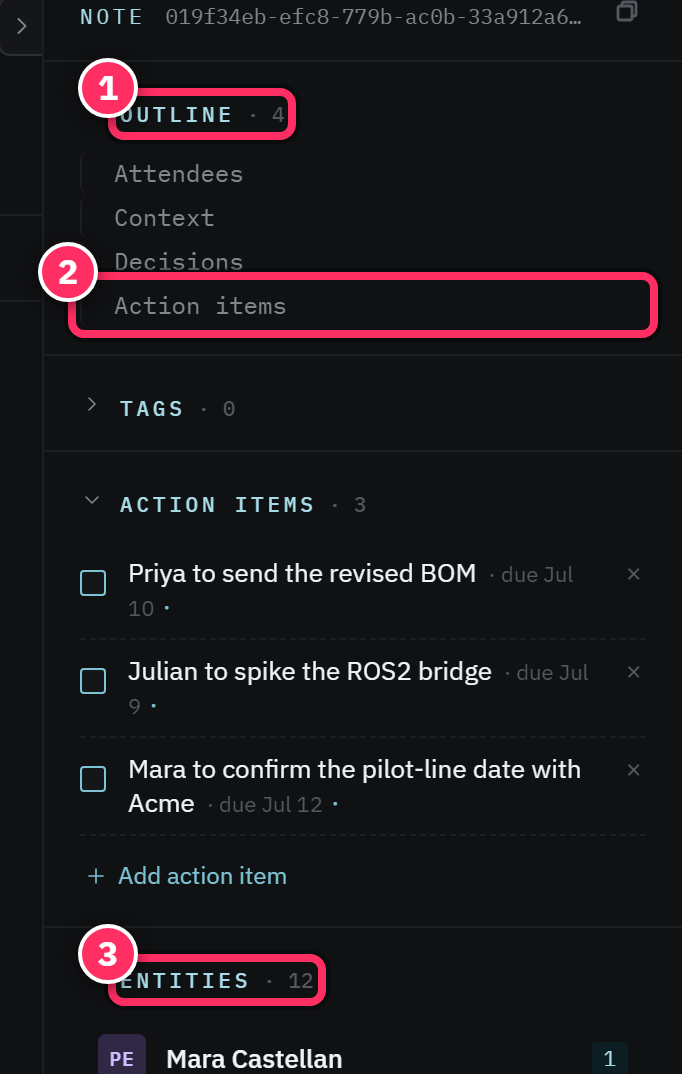
Header
The note's title (editable inline), a source badge (manual, joplin, email,
chat), the created/updated timestamps, a word count, and the note's tags shown as
removable chips. The note's UUID is here too (with a copy button) — useful when wiring
MCP tools to a specific note.
Outline
An auto-generated table of contents built from the note's headings (#, ##). Click a heading
to scroll to it. Empty until the note has headings — a nudge to structure longer notes.
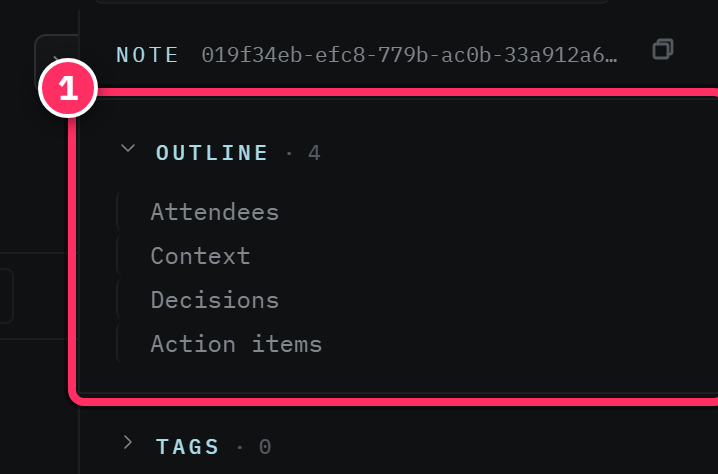
Tags
The note's tags, both auto-extracted and hand-added. + Add tag gives you a type-ahead to attach an existing or new tag. Removing a chip untags the note.
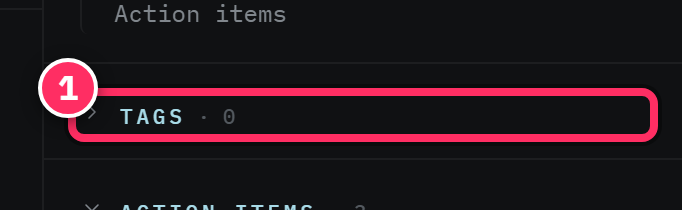
Action items
To-dos extracted from the note ("Priya to send the revised BOM by Friday") plus any you add by hand with + Add action item. Each carries a checkbox (done/open), an optional due date, and an optional assignee (a person entity — including you, once you've set your owner identity). Checking one off marks it resolved.
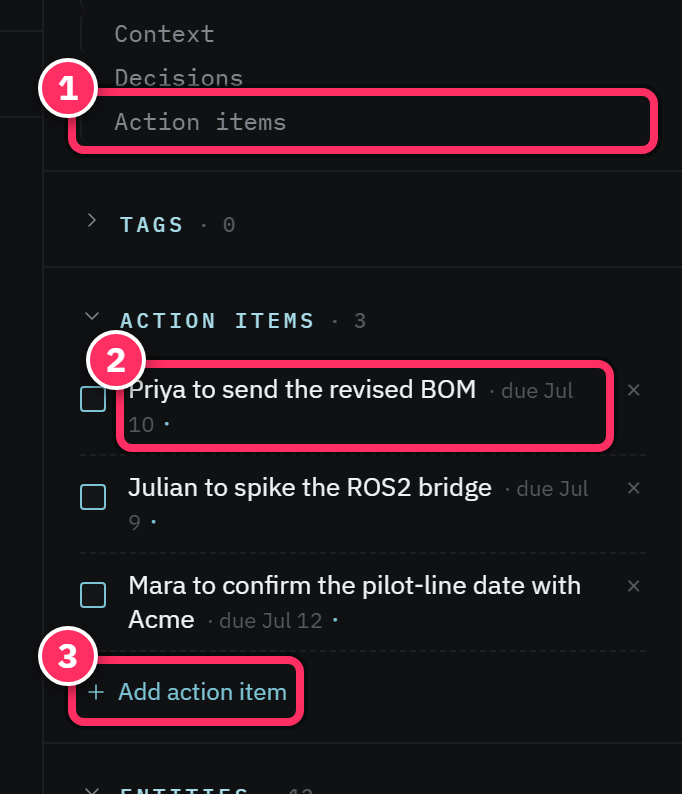
Extraction of action items is best-effort
The pipeline lifts obvious to-dos from prose, but it won't catch every phrasing. If a task matters, add it explicitly with + Add action item so it's tracked and dated.
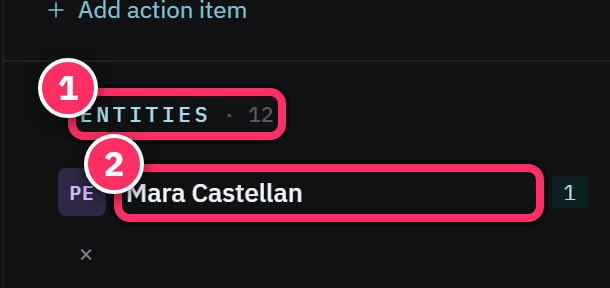
Entities
Every person, organization, project, location, or date the note mentions, with a per-note mention count. Click an entity chip to open it. Because the same entity is recognized across all your notes, this section is the thread you pull to see everything connected to a person or project.
Backlinks (and linked notes)
Two directions of connection: backlinks (other notes that link to this one) and outgoing linked notes. Together they're your note's neighborhood — click through to navigate it. See Links & backlinks for how links get created.
Details
Housekeeping: source, created/updated, and pool metrics (how many chunks the note produced, its extraction state). A quiet place to confirm a note has been fully processed.
Use the sidecar as a review pass
After writing a meeting note, glance at the Entities section. If someone important is missing, you probably referred to them obliquely ("the vendor") rather than by name — name them, and they'll link up. The sidecar is a fast check that a note will be findable later.