Core concepts & vocabulary
A handful of terms recur throughout this manual. Learn these nine and everything else reads easily.
The corpus
Your corpus is the single database holding everything you've captured. There is no "which file, which folder" ambiguity — every note lives in one place, and every search, chat, and tool call operates over the whole thing. Notebooks organize the corpus for your benefit; retrieval never depends on them.
Notes
A note is the atomic unit — a title plus a Markdown body. Notes come from you (typed in the
editor), from imports (Joplin, Markdown files), from
email-to-inbox, or from saving a chat. Every note records its source
(manual, joplin, email, chat, …) so you always know where it came from.
Notebooks
Notebooks are the folder tree on the left. They nest, you can drag notes between them, and two are special: Inbox (where email and quick captures land) and Trash (soft-deleted notes, restorable). See Notebooks, Inbox & Trash.
Entities
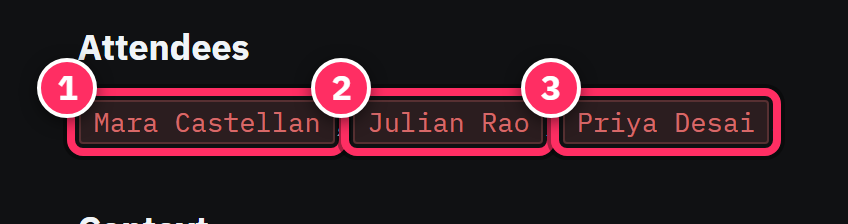
An entity is a person, organization, project, location, or date that your notes mention — extracted automatically. "Mara Castellan", "Acme Robotics", "Project Orion" are entities. The same entity is recognized across every note that names it, which is what lets Aletheia answer "show me everything about Acme". Entities render as chips in the editor and appear in the sidecar.
Tags
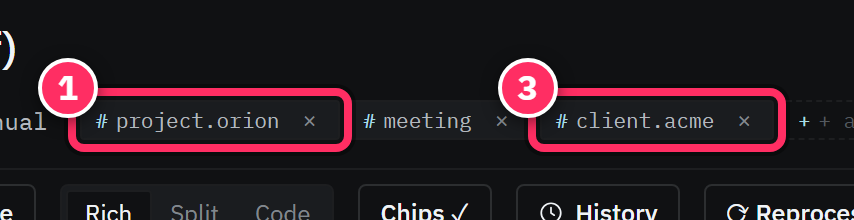
Tags are hashtags — #project/orion, #decision, #client/acme. They're hierarchical
(the / makes a path), and they come two ways: auto-tags the pipeline infers from the
text, and tags you add yourself. See Tags & entities.
Chunks
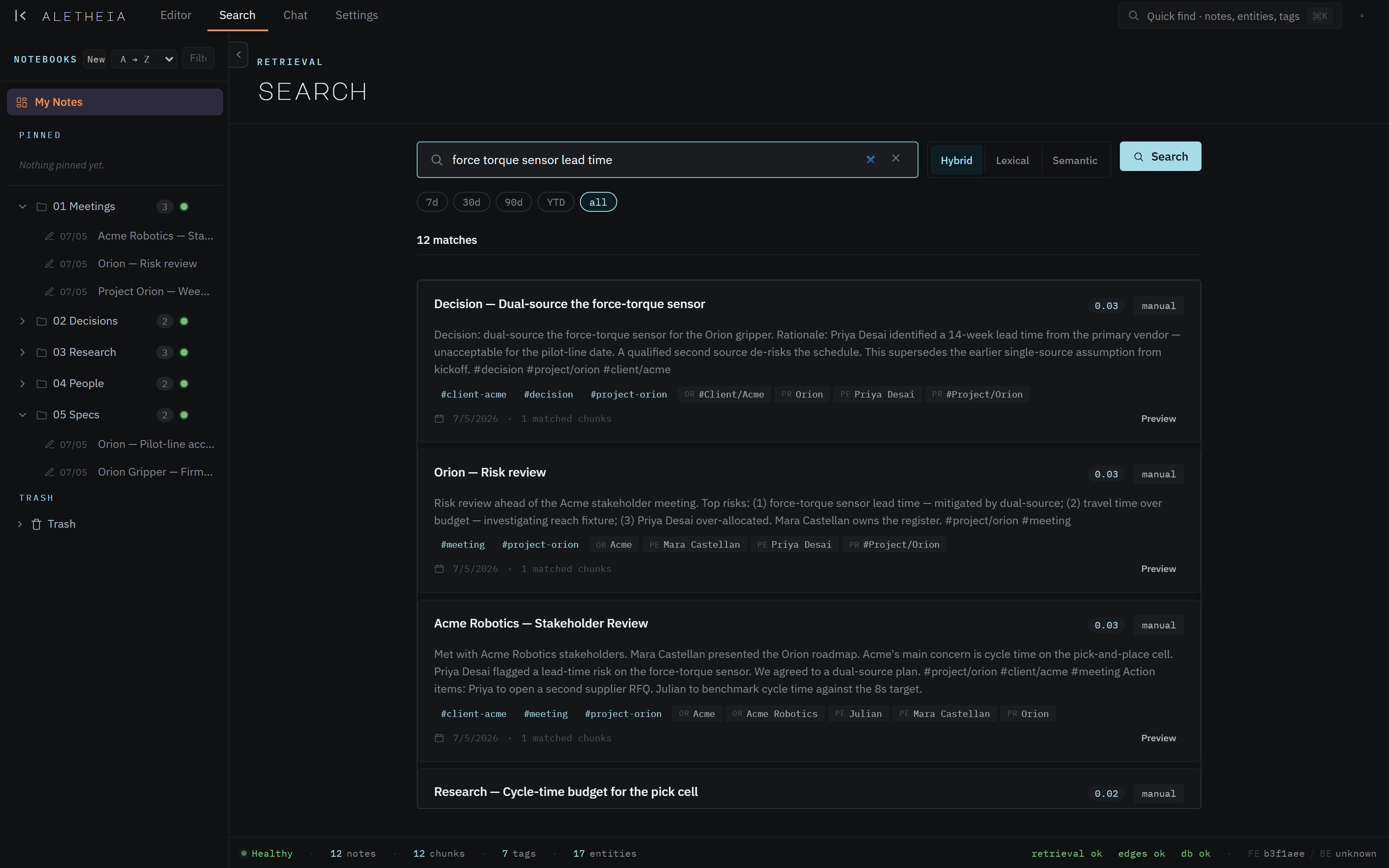
Behind the scenes, each note is split into chunks — passage-sized pieces — and each chunk gets an embedding (a numeric fingerprint of its meaning). Chunks are why semantic search and chat can find the right passage even when your words don't match the note's words. You rarely see chunks directly; the status bar shows their count.
Extraction
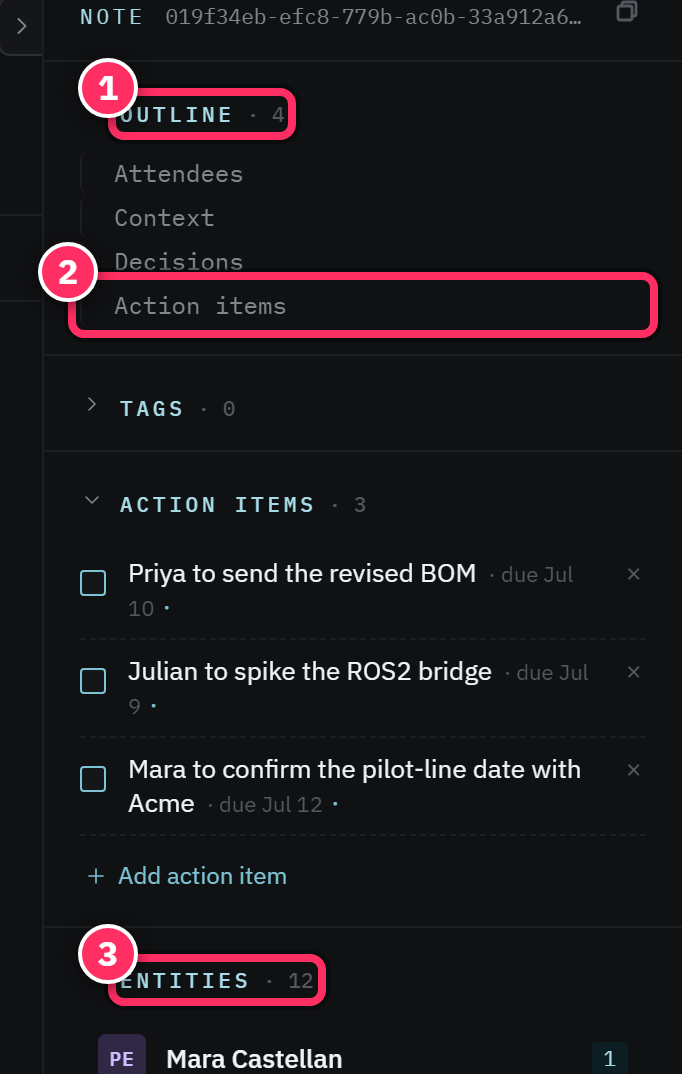
Extraction is the pipeline that turns raw note text into all of the above — chunks, embeddings, entities, tags, action items. It runs automatically, in the background, a few seconds after you save. Its progress is visible on the Pool Health tab. When you see a note's entities appear a moment after you write it, that's extraction finishing — the results land in the sidecar alongside the note.
Edges (links)
Edges connect notes to each other — references, supersedes, contradicts, and
similarity/shared-entity relationships. They power backlinks and let
chat trace connections between things. Some edges are inferred and stored; others are computed
on demand.
Action items
An action item is a to-do the pipeline lifts out of a note ("Priya to send the revised BOM by Friday"), or one you add by hand in the sidecar. Each can carry a due date, an assignee, and a status.
The mental model in one sentence
You put notes into a corpus; extraction enriches them with chunks, entities, tags, and edges; and search + chat hand it all back to you on demand.